
 Barça
 Peñarol
 Inter Miami
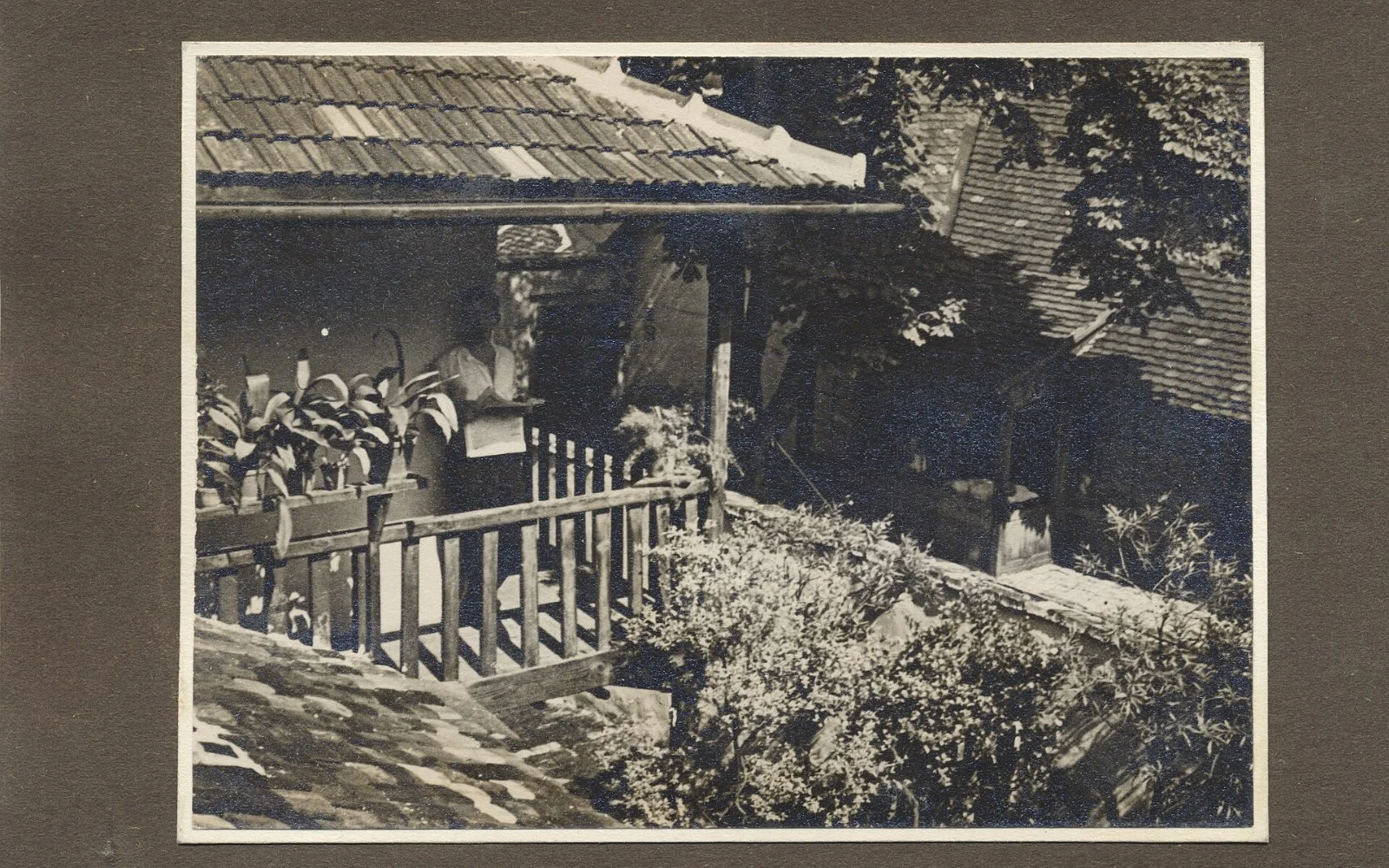
For most families, the photographs on a phone are the only record of births, weddings, trips and ordinary Sundays. They are also surprisingly fragile: a lost phone, a failed drive or a forgotten password can erase years of memories in a moment. Genealogy organizations such as FamilySearch recommend a few simple habits to avoid that.
Keep more than one copy
The core rule is redundancy. Keep your photos in at least two places, ideally in different locations: for example, your phone and an external hard drive, plus one copy with a reputable cloud service. If one fails, the others remain.
Automate it
Backups that depend on remembering never last. Turn on automatic backup in your phone or cloud app so new pictures are copied without effort.
Check your files once a year
Storage devices wear out, and a backup you have never opened may be damaged. Once a year, open a few old photos from each copy to confirm they still work, and move them to new storage when a device gets old.
Add names and dates
A photo of a smiling stranger is worth little to the next generation. Write names, places and dates in the file name or description while you still remember them, and ask older relatives to help you identify faces in the pictures.
Do not forget the paper
Old printed photos can also be scanned. Even a phone scan is better than leaving a unique picture in a drawer, and the original can stay safe in an acid-free box.
Spending an afternoon on this once, and a few minutes each year afterwards, protects something that cannot be replaced.
Guidance based on FamilySearch recommendations for preserving digital photographs. Photo: Hungarian family photo album, Wikimedia Commons (public domain).